The question
The homepage of The Tesseract Memory has an animated figureThe Tesseract Memory · The public siteHomepage figureOne animated figure. On a computer it changes pose as you pass each section. On a phone it breathes in place.See it in the The Tesseract Memory build made of particles, which are tiny dots. It starts as source images. A preparation step turns those images into particle data, and the browser draws that data. The figure can pass every build check and still be the wrong figure. So what does a passing check actually tell me?
What made it hard
Each of those three stages can go wrong, and the failures look alike on screen. A source image might have changed. The preparation step might have cropped it differently. Or the drawing code in the browser might have changed the figure's shape and how much space it fills. Each needs a different check.
What I chose
I ask one question per stage. Which files are the originals? What data was made from them? What does the browser draw? A lock file answers the first. It lists three source images. For each one, it gives a role, a file path, a SHA-256 fingerprint and the image size. The fingerprint is a short code that changes when the file changes.
A checking program, the verifier, then reads the lock file. It checks each file's bytes, the mark that shows its image type, and its size. It also finds each file's real location. So a shortcut file, one that points at another file, can't lead outside the project.
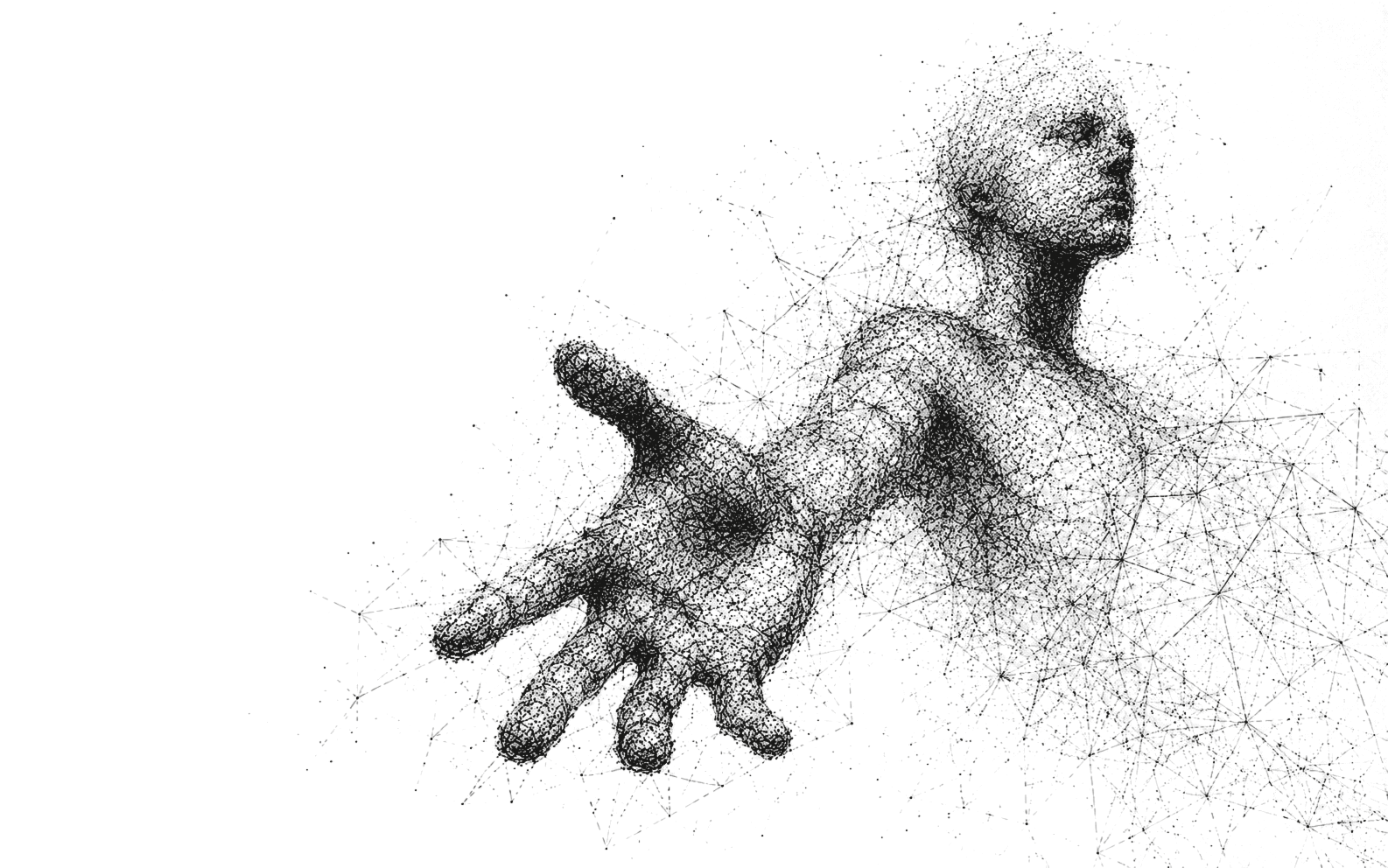
The see-through Reach artwork, the original image. The still picture shown in place of the animation uses it, and so does the Reach figure’s own particle data. This is the source image, not a capture of the animated figure.
If a fingerprint doesn't match, the steps stop. I don't update the expected fingerprint just to get past the verifier. Replacing a source image on purpose takes a reviewed change to the lock file. It also takes new particle data and a new visual comparison. The verifier has one gap. npm, the tool that runs the site's scripts, runs it just before the build. So calling the framework's own build command directly skips it.
npm run figure:verify
npm test
npm run build
The second question has its own tests, because an unchanged image doesn't promise unchanged particle data. They check the data's fingerprints and the source images named in the data's list of files. They also check the full layout of the figure's four poses. One pose, Reach, gets a closer check. Every pixel of its image that is solid enough must keep its particle ID. It must also keep its original colour and its original see-through level.
What the checks leave open
Together the lock file and the data tests tell me where to look. If the lock file passes and the data tests fail, I suspect the preparation step. If both pass and the figure still looks wrong, the problem is in what the browser draws. That third question is the one no check here answers. None can say that a hand reads clearly at a given screen size. None can say that the neck stays joined while the figure breathes. That takes the real page.